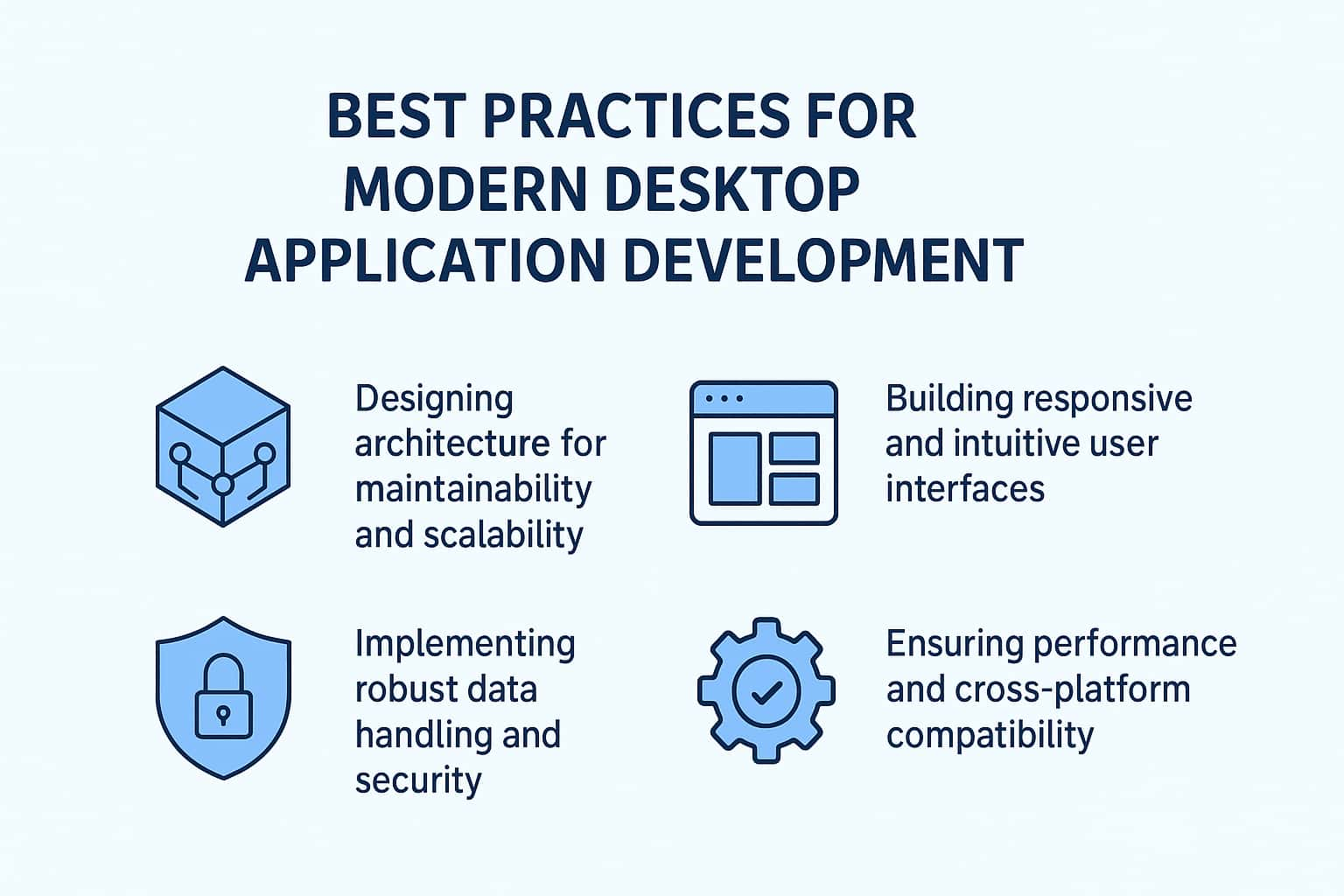
Building a high-quality desktop application today requires far more than writing functional code. As operating systems, frameworks, and user expectations evolve, developers must adopt proven architectural principles, maintainability strategies, and performance-driven techniques to keep applications reliable and scalable over the long term. Modern solutions must work seamlessly across Windows, macOS, and Linux while maintaining a consistent user experience and robust internal structure. This article explores the best practices that development teams follow to deliver stable, responsive, and secure desktop software for modern users. It also highlights considerations when choosing frameworks and working with Desktop application development companies that specialize in complex, cross-platform projects.
Designing Architecture for Maintainability and Scalability
Modern desktop applications must be built on a strong architectural foundation. Without well-structured components and clean separation of concerns, even small projects can become difficult to manage, update, or troubleshoot. A scalable architecture ensures the application can evolve without introducing technical debt or architectural bottlenecks.
Embracing Modular Design
Modular design organizes your application into small, independent units that focus on single responsibilities. Whether your team uses MVVM, MVP, or Clean Architecture, modularity improves testability, facilitates parallel development, and simplifies maintenance. Each module typically owns its data, logic, and UI behavior, reducing the risk of unintended side effects when changes occur.
This modularity becomes especially important when working with larger teams or long-term applications, where different developers may update different modules or integrate new features continuously.
Choosing the Right Framework for Long-Term Success
Framework selection plays a major role in your architectural approach. Depending on project requirements, teams may evaluate cross-platform solutions like .NET MAUI, platform-specific options like WPF, or even hybrid technologies. Understanding the differences between MAUI vs WPF helps teams assess factors such as performance, UI flexibility, ecosystem maturity, and long-term maintainability.
The right framework should support a clear architectural pattern, integrate seamlessly with testing tools, and offer the flexibility to adapt to new features or changing design trends over time.
Version Control as the Backbone of Software Evolution
Version control systems like Git are indispensable for managing the evolution of a desktop application. Beyond tracking changes, version control enables collaboration, parallel development, code review workflows, and risk-free experimentation through branching strategies.
Best practices for effective version control include:
- Using feature branches for isolated work
- Maintaining a clean and descriptive commit history
- Requiring pull requests with automated checks
- Tagging or releasing versions with semantic versioning
- Reviewing code regularly to ensure quality consistency
These practices create transparency across the development lifecycle and allow teams to quickly revert changes or roll back faulty releases without major disruptions.
Building Responsive and Intuitive User Interfaces
A modern desktop application must provide a visually polished, intuitive, and responsive UI to meet today’s user expectations. Users expect fluid layouts, adaptive elements, accessibility support, and high-performance rendering across different screen resolutions and hardware configurations.
Designing for Multiple Resolutions and Platforms
Cross-platform desktop apps must adapt to a wide range of screen sizes, desktop environments, scaling settings, and OS conventions. High-DPI support is essential for delivering crisp visuals on modern displays.
Responsive UI strategies include:
- Using flexible layout containers rather than fixed-size elements
- Implementing automatic scaling for fonts, icons, and controls
- Creating adaptive designs that reorganize content based on available space
- Testing UI performance on various devices and operating systems
Desktop frameworks like WinUI, Qt, and .NET MAUI offer responsive layout components that simplify building dynamic interfaces, but developers must continuously test to ensure visual consistency.
Implementing Accessibility as a Core Requirement
Accessibility is not optional—it’s an industry standard. Screen reader compatibility, keyboard navigation, contrast ratios, and flexible font sizing must be considered early in the design process.
Key accessibility practices include:
- Providing semantic UI elements
- Labeling interactive components clearly
- Supporting global keyboard shortcuts
- Offering customizable themes (light/dark)
- Ensuring UI elements have sufficient hit-target sizes
These practices not only improve inclusivity but also enhance usability for all users.
Interactive and Optimized UI Components
Complex desktop applications may contain animations, visual effects, or real-time data updates. These must be implemented with careful attention to resource usage—to avoid sluggish performance, developers should minimize unnecessary UI redraws, debounce frequent events, and ensure all UI updates occur on the appropriate thread.
UI virtualization techniques, such as rendering only visible items in a list, can greatly improve responsiveness when managing large datasets.
Implementing Robust Data Handling and Security
Modern desktop solutions rely heavily on secure and efficient data flow. Whether the application communicates with cloud services, local databases, APIs, or cached repositories, its data handling strategies directly affect performance, reliability, and security.
Structuring Data Flow for Reliability
A layered data architecture separates the data access layer from business logic, ensuring consistent data operations across the application. Common best practices include:
- Using repositories or data services as abstraction layers
- Implementing caching for frequently accessed data
- Ensuring thread-safe operations
- Applying data validation at multiple layers
Strong data flow architecture prevents data inconsistencies, reduces code duplication, and enhances maintainability—especially in applications with large or dynamic datasets.
Secure Storage and Encryption
Users trust desktop applications with sensitive information, making secure data handling a fundamental requirement. Applications should implement:
- Encryption for local data storage
- Secure communication protocols (HTTPS/TLS)
- Strong hashing algorithms for sensitive values
- Protection against injection attacks and unsafe serialization
- Regular security audits and dependency updates
Following industry standards and using built-in security libraries significantly reduces risks without reinventing solutions.
Authentication, Authorization, and Identity Management
For desktop apps that require user accounts or cloud synchronization, integrating secure identity solutions is essential. This may involve OAuth2, OpenID Connect, or platform-specific identity providers. Careful session management, token expiration handling, and secure key storage are critical to ensuring a safe authentication experience.
Ensuring Performance and Cross-Platform Compatibility
Desktop applications must deliver consistent performance across different operating systems. Optimization, testing, and profiling help teams identify and resolve performance issues early and maintain smooth functionality throughout the application’s lifecycle.
Performance Optimization Strategies
To ensure optimal speed and resource usage, developers should follow proven optimization principles:
- Minimize unnecessary background processes
- Use asynchronous programming for I/O tasks
- Profile the app regularly to detect bottlenecks
- Optimize memory usage through efficient data structures
- Avoid blocking the main UI thread
Performance tuning should not be a one-time task but an ongoing process as the application grows.
Cross-Platform Performance Considerations
Cross-platform applications may behave differently depending on OS handling of rendering, multithreading, or filesystem operations. Thorough testing on all supported platforms ensures consistent behavior and prevents OS-specific issues.
Key considerations include:
- File path differences (Windows vs macOS vs Linux)
- Native API differences and limitations
- Hardware acceleration variations
- OS-level background task management
- Platform-specific input methods or UI conventions
Cross-platform frameworks handle many abstractions, but developers must still validate differences through testing.
Automated Testing for Stability
Automated tests are vital for ensuring long-term stability in a rapidly evolving codebase. Testing should cover:
- Unit tests for core logic
- Integration tests for data handling
- UI automation tests
- Cross-platform compatibility testing
- Performance regression testing
A consistent test suite reduces risks when making updates or adding features and supports continuous integration workflows.
Long-Term Maintainability Through Documentation and Workflow Practices
A well-structured codebase is only one piece of the maintainability puzzle. Long-term project success also relies on streamlined workflows, clear documentation, and collaboration processes.
Comprehensive Documentation
Documentation should be maintained at both technical and user levels:
- Code documentation and inline comments
- API and module reference guides
- Architecture diagrams
- Setup and deployment instructions
- Change logs and version histories
Proper documentation makes onboarding new developers easier and keeps the team aligned across development stages.
CI/CD Integration for Continuous Improvement
Continuous integration and deployment pipelines help automate testing, builds, releases, and quality checks. For desktop apps, CI/CD may include:
- Automated builds for different OS targets
- Installer/package creation (MSIX, DMG, AppImage)
- Automated release versioning
- Code quality scanning tools
- Integration tests before deployment
These processes ensure consistent releases and reduce human error during deployment cycles.
Working with Specialized Development Teams
Many companies choose to work with experienced Desktop application development companies to ensure high quality, proper architecture, and long-term scalability. Teams with expertise in multi-platform frameworks, security best practices, and performance optimization bring added value to complex projects. They also help maintain documentation, streamline workflows, and enforce consistent coding standards.
Conclusions
Modern desktop application development requires a combination of strong architectural principles, thoughtful UI design, secure data management, and performance optimization. Teams must adopt modular structures, responsive design patterns, and automated testing to ensure reliability and scalability across different operating systems. Framework selection, version control best practices, and continuous integration pipelines play essential roles in supporting long-term maintainability.
As user expectations grow, companies increasingly rely on specialized development teams and robust workflows to deliver polished, secure, and high-performing applications. By following the industry’s best practices, development teams can create solutions that remain adaptable, maintainable, and competitive in today’s fast-moving software landscape.